

Artwork Resolution (DPI) Checker
Before your pouch goes to print, use this DPI checker to confirm the artwork is high-resolution enough. Enter your image's pixel dimensions and the final print size, and it calculates the effective DPI and tells you if it is print-ready.
Check artwork resolution
Pixels from your file; print size in the unit you choose.
Result
DPI vs. print width
How DPI is judged
DPI is how many image pixels land in each inch of the printed piece:
- DPI = pixels ÷ (cm ÷ 2.54)
- 300 DPI or more: press-ready, crisp detail and small text.
- 150-300 DPI: usable for large graphics viewed at arm's length, risky for fine detail.
- Below 150 DPI: will look soft or pixelated; supply higher-resolution art.
Enlarging a low-res file in software does not add real detail. Vector logos and type stay sharp at any size, so keep them as vector where possible.
Minimum pixels for 300 DPI
The pixel dimensions your artwork needs to hit 300 DPI at common print sizes:
| Print piece | Print size | Min. pixels @ 300 DPI |
|---|
Ready to order? Get these bag types made
Turn the numbers above into a finished spec sheet. Send us your dimensions, material and quantity and our engineers reply with a firm quote and free samples within one business day, produced in-house at our own cleanroom facility.
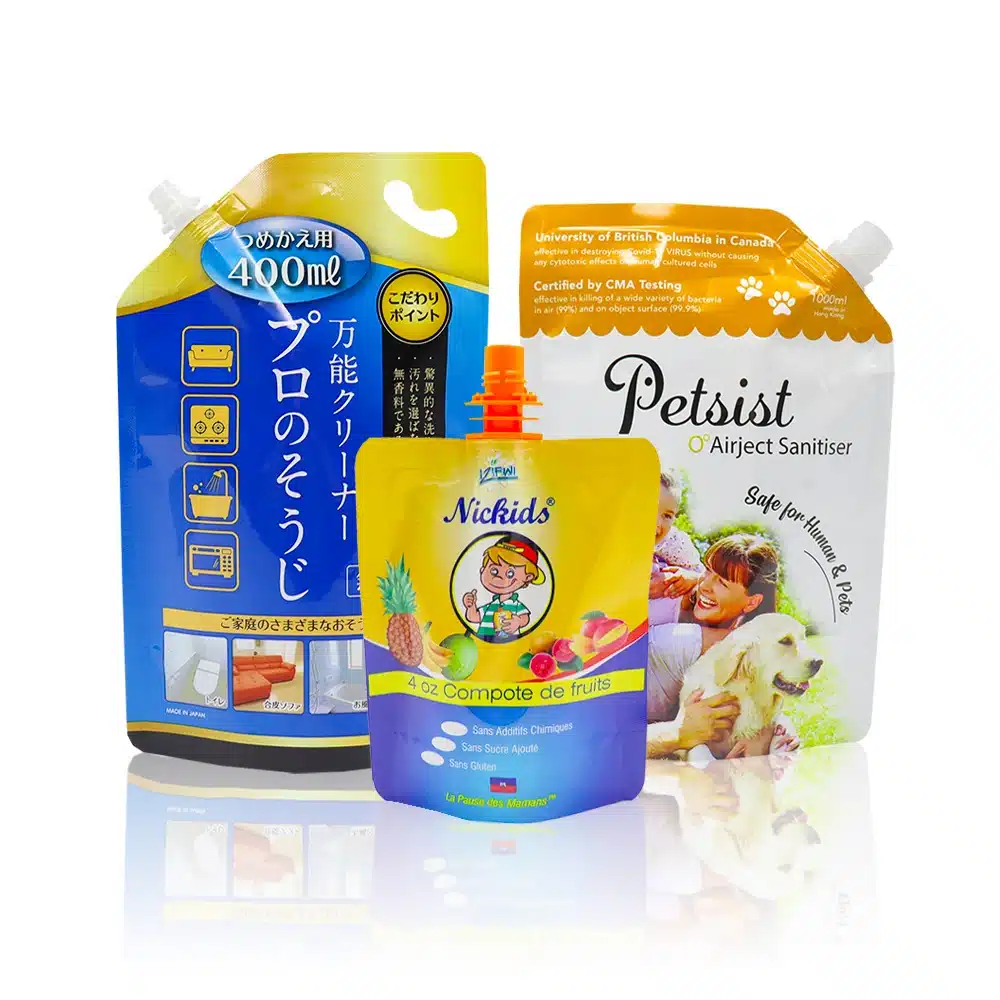
Stand-Up Pouches
Resealable, shelf-ready pouches for food, coffee and supplements.
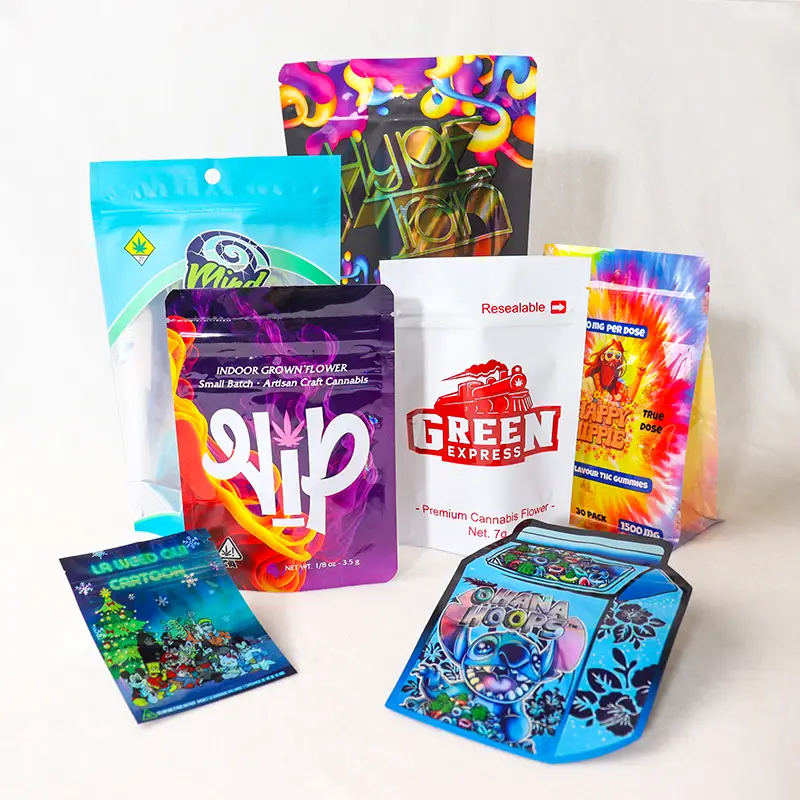
Mylar Bags
High-barrier mylar for long shelf life and light protection.
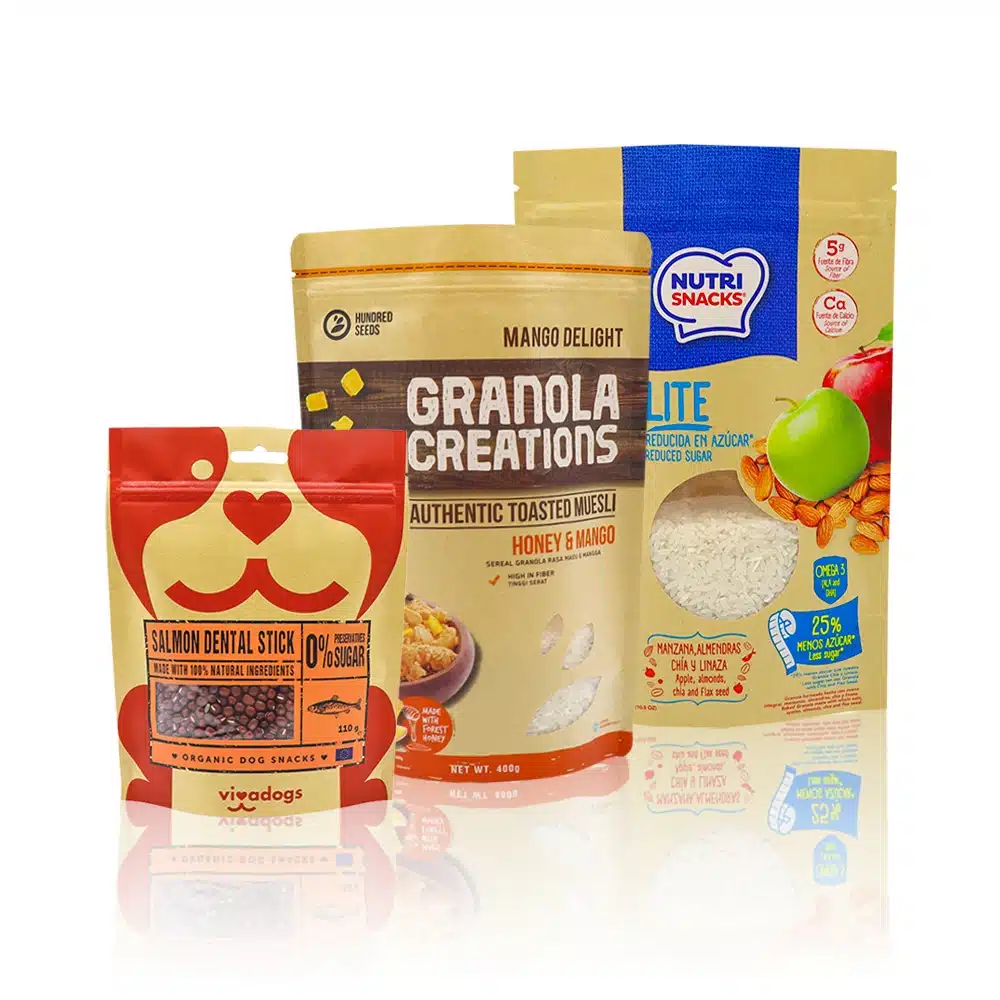
Kraft Paper Bags
Natural kraft with recyclable and compostable options.
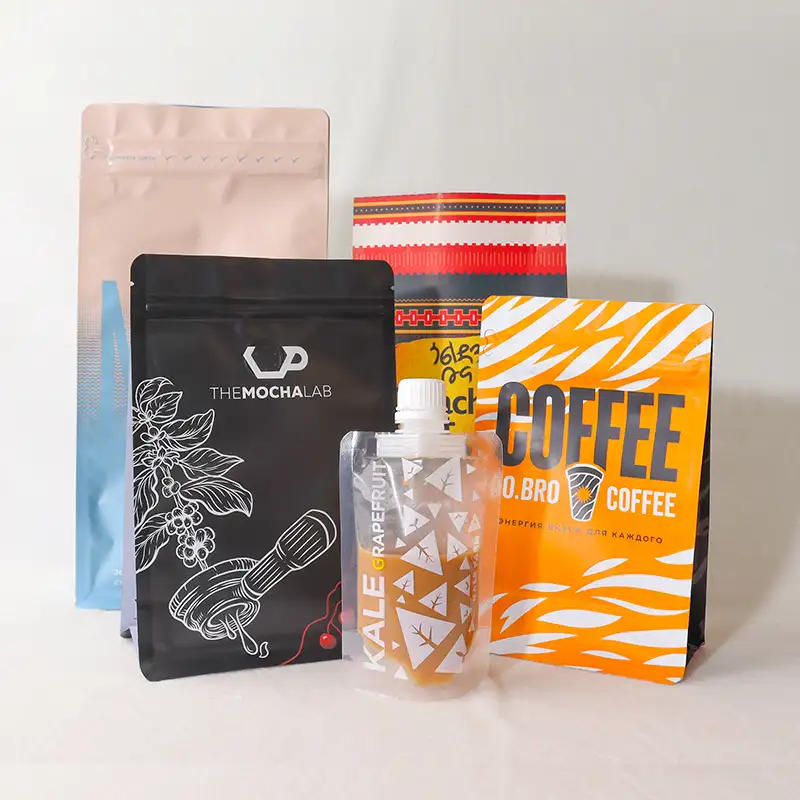
Coffee Bags
Coffee pouches with degassing valves and barrier film.
Need this spec produced, not just calculated?
YLTPACK is a direct manufacturer of custom flexible packaging, producing in-house since 2005 in a cleanroom facility. Send us your target numbers and our team will confirm feasibility and quote, with free design support included.
Frequently asked questions
What DPI do I need for packaging artwork?
Aim for 300 DPI at final print size for sharp results. Large graphics viewed from a distance can work at 150-300 DPI, but fine text and detail need 300 DPI or more.
How do I check the DPI of my image?
Open the image in your editing software to read its pixel dimensions, then enter them here together with the final print size. The tool divides pixels by inches to give the effective DPI.
Can I increase the DPI of a low-resolution image?
Resampling in software adds pixels but not real detail, so the result still looks soft. Use the original high-resolution source, re-create the artwork, or use vector files for logos and type.
Does YLTPACK check my artwork before printing?
Yes. Our team reviews your artwork for resolution, colour mode and layout before production and will let you know if anything needs fixing. Free design support is included.
Results are engineering estimates for planning and quoting. Real-world values vary with material lot, structure, tolerance and process. For production-grade figures, confirm with our team.